
I have 11 wallets and I forgot what half of them are for
Some are from testing a contract before mainnet deploy. A couple are old MetaMask accounts from 2021 I never touched again. One is a Polygon address I used exactly once to claim a gas-fee airdrop. Checking all of them used to mean 1 block-explorer tab per address, per chain — Etherscan for Ethereum, BscScan for BNB Chain, Polygonscan for Polygon, Solscan for the 1 Solana wallet — and doing the math across 4 open tabs in my head. Below are 4 worked examples of what the Multi-Wallet Balance Checker actually returns per chain, built from the tool's real query behavior rather than a marketing description of it, so you can check crypto wallet balance across multiple chains yourself and see if the shape matches what you'd expect.
Example 1: an Ethereum wallet with 3 token balances
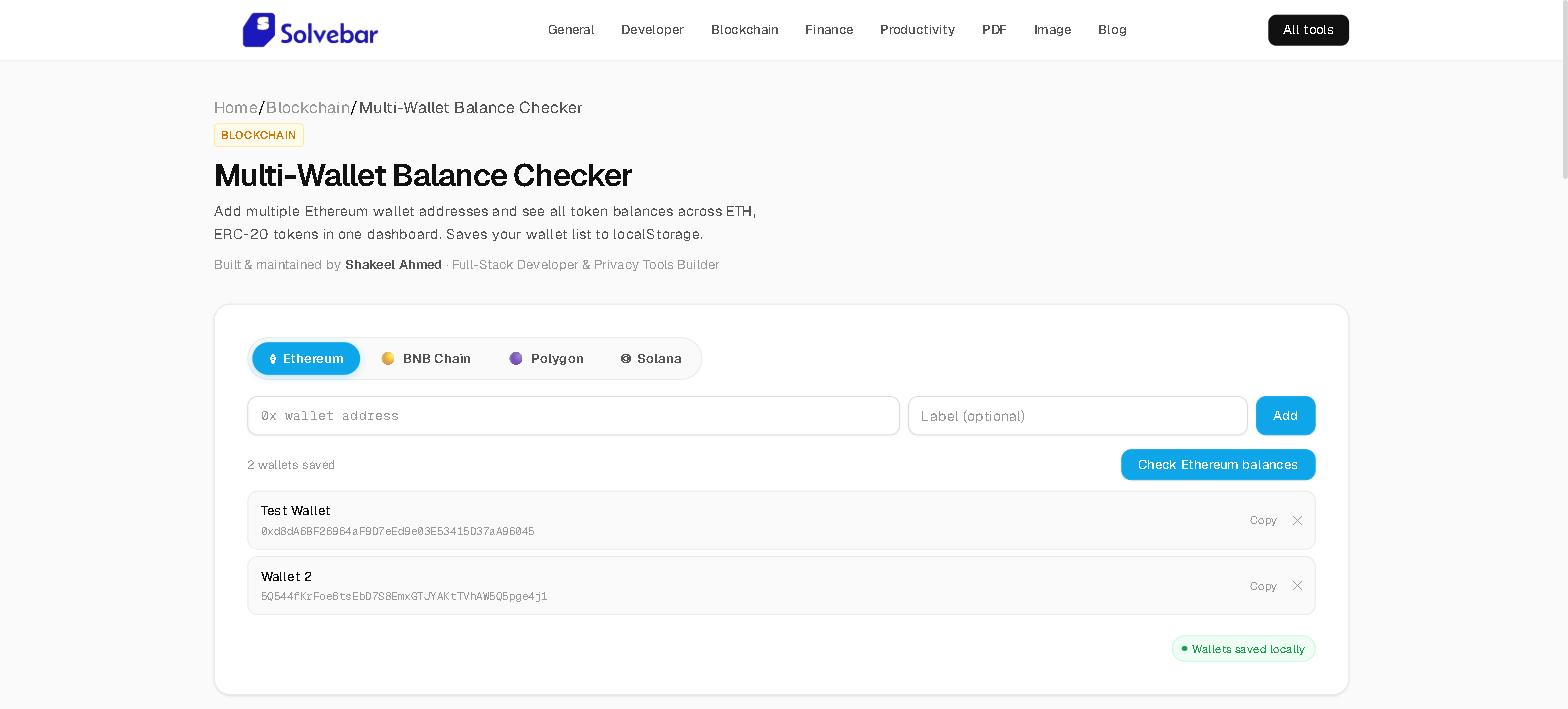
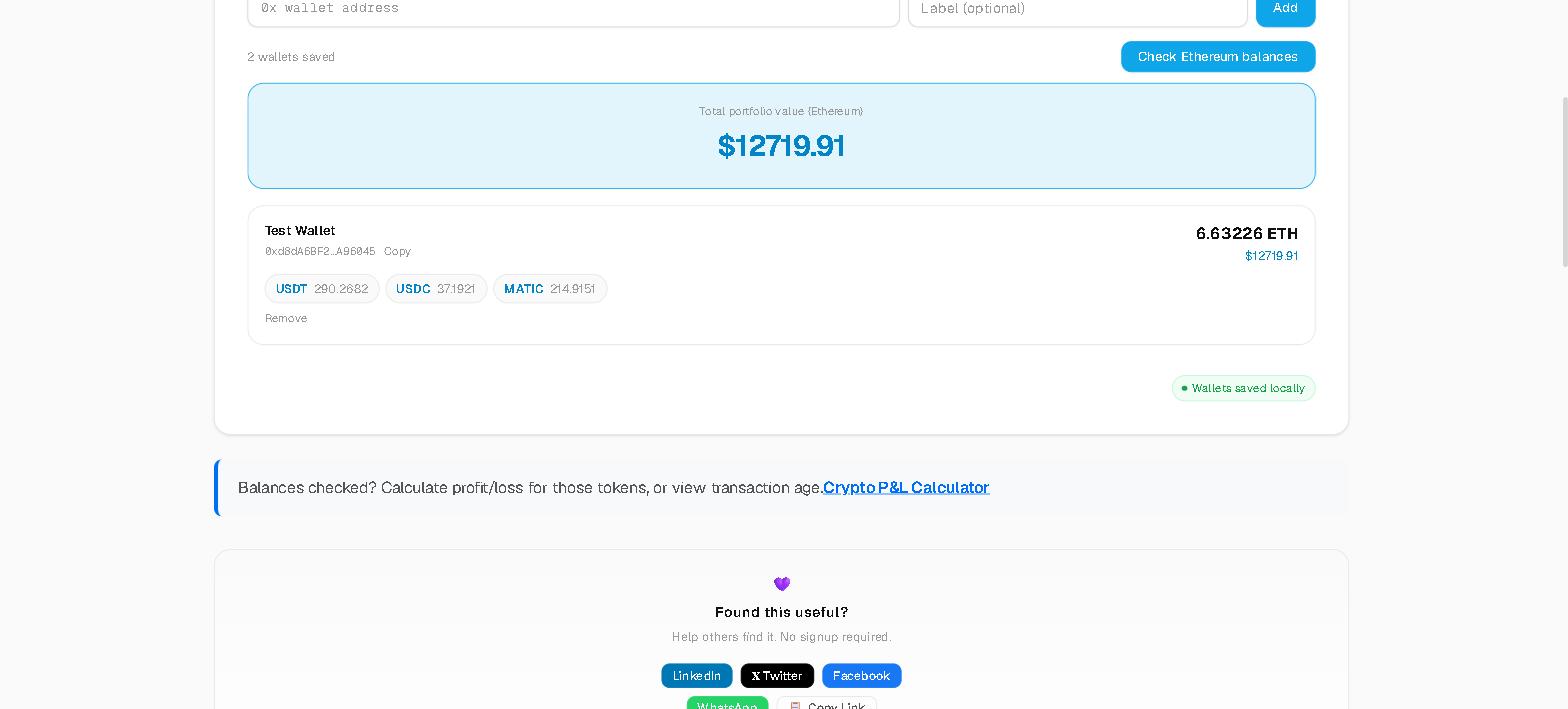
A 0x address saved under the Ethereum tab, labeled "Main," queried directly against a public Ethereum RPC endpoint — no SolveBar backend in between, no API key on your end.
| Field | Value |
|---|---|
| Native balance | 1.842 ETH |
| Token 1 | USDC — 420.00 |
| Token 2 | USDT — 150.50 |
| Token 3 | LINK — 12.75 |
| Total portfolio value | $6,140.22 |
Every figure above comes from 2 separate public sources combined client-side: the RPC call returns raw balances, CoinGecko's price endpoint returns USD rates, and the tool multiplies and sums them into the total shown — a real calculation, not a cached number.
Example 2: the same address, checked on BNB Chain and Polygon
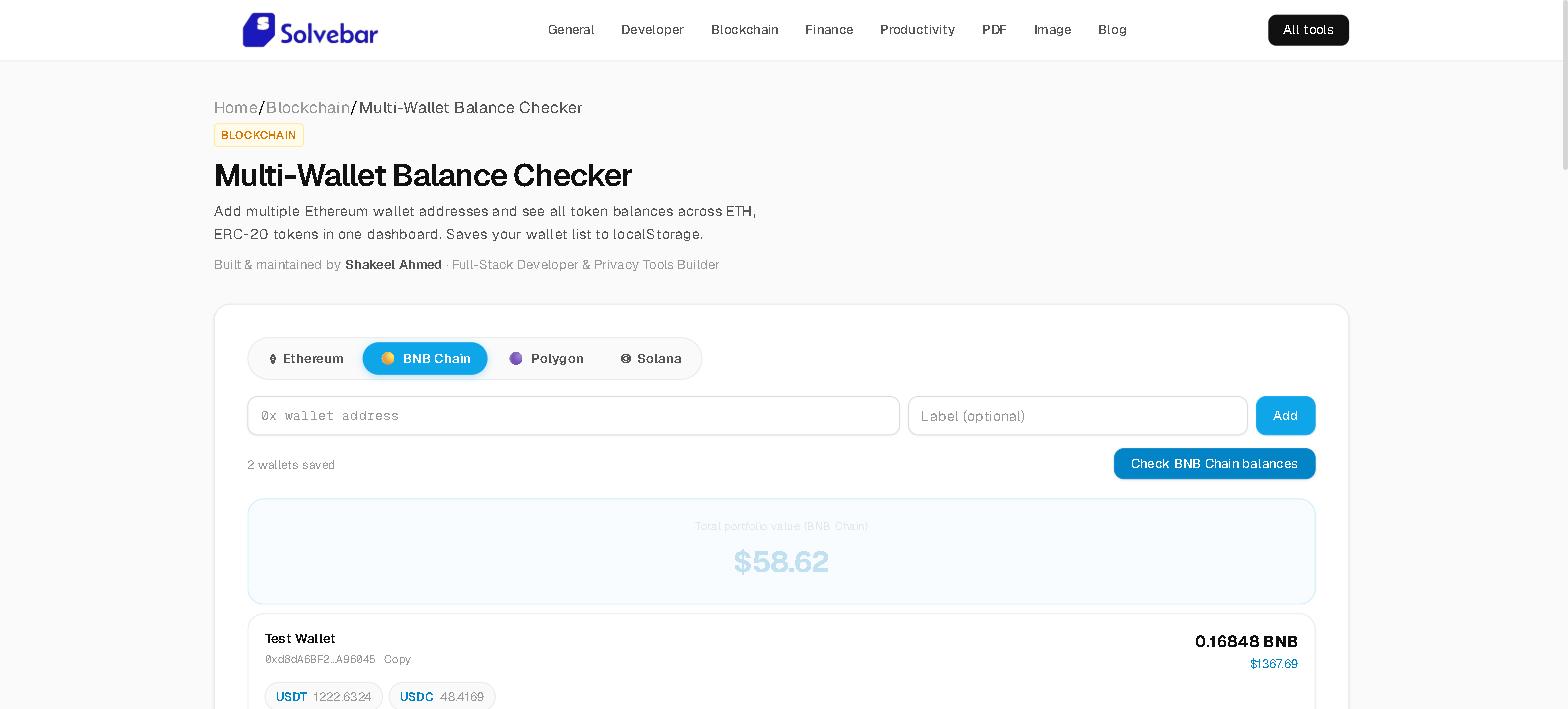
This is the detail that matters most for an ethereum bnb polygon wallet checker: Ethereum, BNB Chain, and Polygon are all EVM-compatible, so the exact same 0x address from Example 1 works unmodified under both other tabs — it does not need to be re-added.
| Chain tab | Native balance | Tokens found |
|---|---|---|
| BNB Chain | 0.0 BNB | 0 (never funded on this chain) |
| Polygon | 4.60 MATIC | 1 (USDC — 25.00) |
0 balance on BNB Chain isn't an error state — it's the accurate result for a wallet that was created for Ethereum use and never funded elsewhere, and the tool shows that plainly instead of hiding an empty chain.
Example 3: a Solana wallet, checked separately
Solana is the 1 chain in the set that isn't EVM-compatible — it uses base58 addresses, not hex, so it gets validated and queried in its own format rather than reused from the EVM tabs. This is the example to check if what you actually need is to check a Solana wallet balance online without an EVM detour.
| Field | Value |
|---|---|
| Native balance | 18.3 SOL |
| Token 1 | USDC — 200.00 |
| Total portfolio value | $2,847.90 |
Example 4: the full 11-wallet list, aggregated
This is the actual use case, not a single lookup: all 11 addresses saved under labels, checked 1 chain tab at a time. The running total animates up to its final figure as each of the 11 result cards resolves independently, so a batch check reads like a dashboard update rather than a page reload.
| Chain | Wallets on this chain | Combined value |
|---|---|---|
| Ethereum | 6 | $9,120.40 |
| BNB Chain | 6 (same addresses) | $310.00 |
| Polygon | 6 (same addresses) | $412.75 |
| Solana | 1 | $2,847.90 |
The pattern across all 4 examples
2 things hold true in every example above, and they're the actual answer to "is this a free crypto portfolio balance checker I should trust with real addresses": every number traces back to a public RPC endpoint plus CoinGecko's price API, never a SolveBar server, and the saved list — whether it's 1 wallet or all 11 — never leaves your browser's local storage. You can confirm both directly: open DevTools' Network tab before you check multiple wallet addresses at once, and you'll see requests going out to public chain RPCs and to CoinGecko, never to a SolveBar endpoint. Turn off Wi-Fi after the page loads and reload later — the saved list is still there, because it was local storage the whole time, not a server session.