
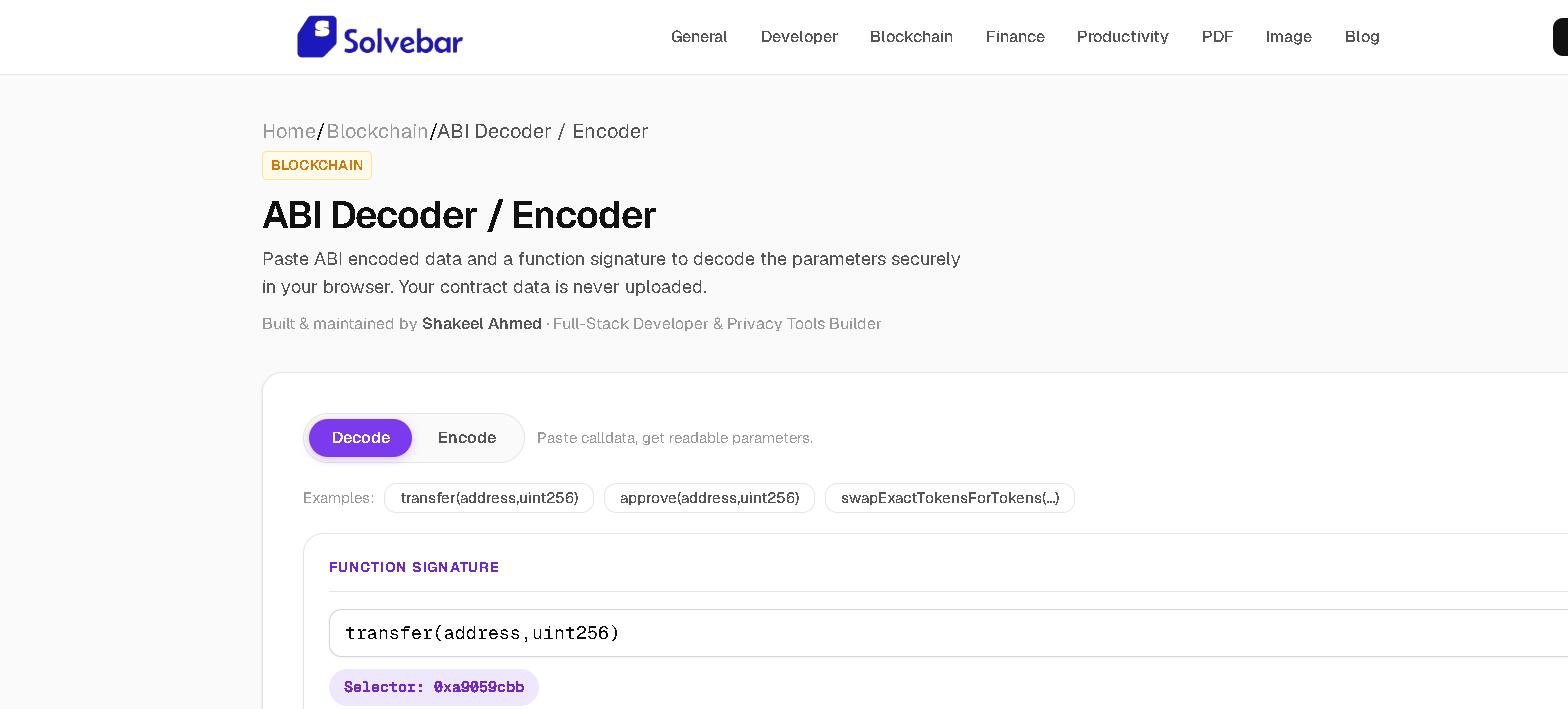
I have a hex string starting with 0x38ed1739 and nothing else. Where do I even start?
That's a real function selector — the first 4 bytes of a transaction's calldata — and it was the actual situation I was in staring at a reverted transaction on Etherscan, Input Data field just raw hex, no obvious meaning. Etherscan only auto-decodes calldata when the contract is verified and it recognizes the function; for an unverified contract, or when you only have a guess at the signature, you need a tool that decodes against a signature you type yourself. That's what the ABI Decoder/Encoder does: paste the calldata, type the signature you think matches, see if you're right.
How does it know I typed the right signature, and not just a plausible-looking one?
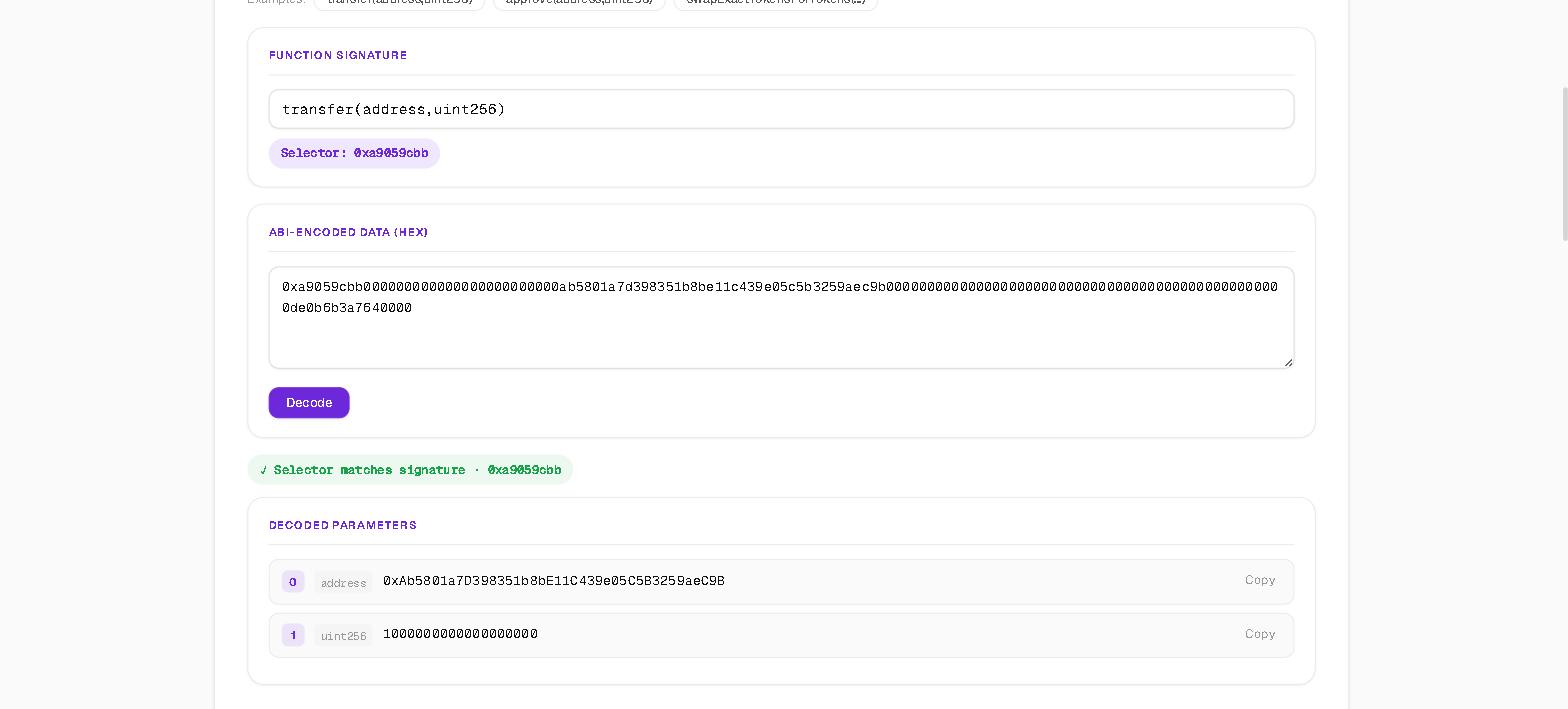
It computes the real 4-byte function selector from your typed signature — the first 4 bytes of the keccak256 hash, via ethers.js's own id() function, not a guess — and checks that against the first 4 bytes of the calldata you pasted. Get the signature wrong (wrong parameter order, wrong type, a typo) and you get a clear mismatch badge instead of a confident-looking but garbage decode. I once had 2 parameters backwards on a signature typed from memory; without the selector check, that would have decoded 3 plausible-looking values and moved on, silently wrong.
Does it only handle the easy types, like a lot of quick ABI tools do?
No — a lot of quick decoders handle a 256-bit uint256 and a 20-byte address and give up past that. This one decodes address[] arrays, nested tuples written as (type1,type2), strings, and bytes — anything Solidity's ABI encoding actually supports, each value still padded to a 32-byte word underneath. Each decoded parameter shows as 4 fields in its own row: index, type, value, copy button.
Why does the built-in example use a Uniswap swap specifically?
The built-in example — real calldata starting 0x38ed1739 — is a genuine Uniswap Router swapExactTokensForTokens call, chosen on purpose because it has an address[] array buried in the middle of its 5 parameters — exactly the case a simpler decoder gives up on. 2 other examples ship alongside it: a plain transfer (0xa9059cbb) and an approve (0x095ea7b3), so you can see both the simple and dynamic-type paths work before trusting it with your own calldata.
Can it go the other direction — build calldata instead of reading it?
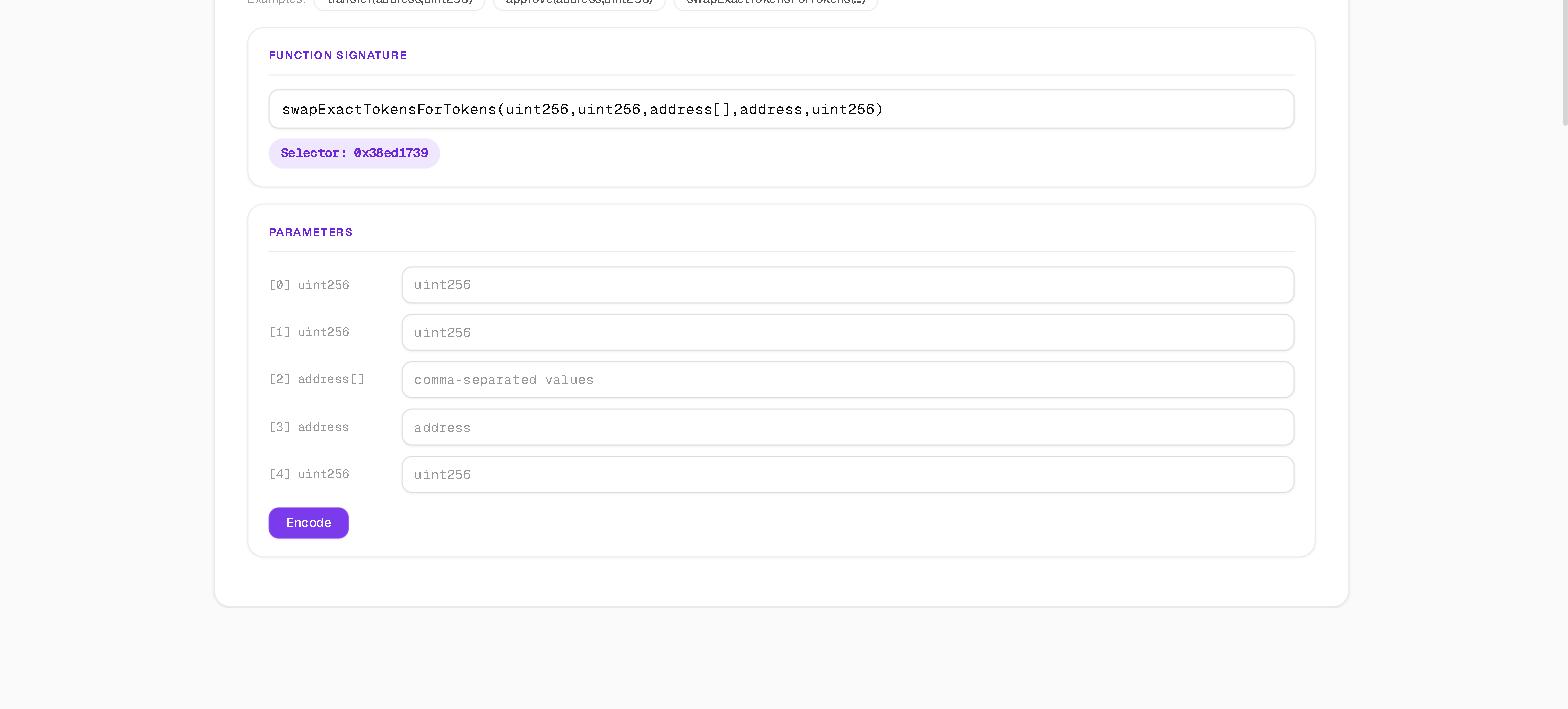
Yes. Switch to Encode mode and the signature you typed turns into a form, 1 input per parameter, type-aware — arrays take comma-separated values, tuples take a JSON array. Fill it in and it builds real calldata, selector included, ready to paste into a script or a raw transaction. The actual workflow I use it for: decode the original calldata, tweak 1 parameter, re-encode, done — no second tool, no throwaway ethers.js script of my own.
Does any of this — the calldata, the addresses, the contract I'm inspecting — leave my browser?
No. Both directions run entirely client-side through ethers.js. No server round-trip, no logging of which contracts or addresses you've been decoding. That matters more than it sounds like it should: decoding calldata from a contract you're auditing, or a transaction you're debugging before it's public, isn't something you want sitting in a stranger's server logs. You can confirm it yourself — open DevTools' Network tab, decode any of the 3 built-in examples or your own calldata, and watch the request count stay at 0.