
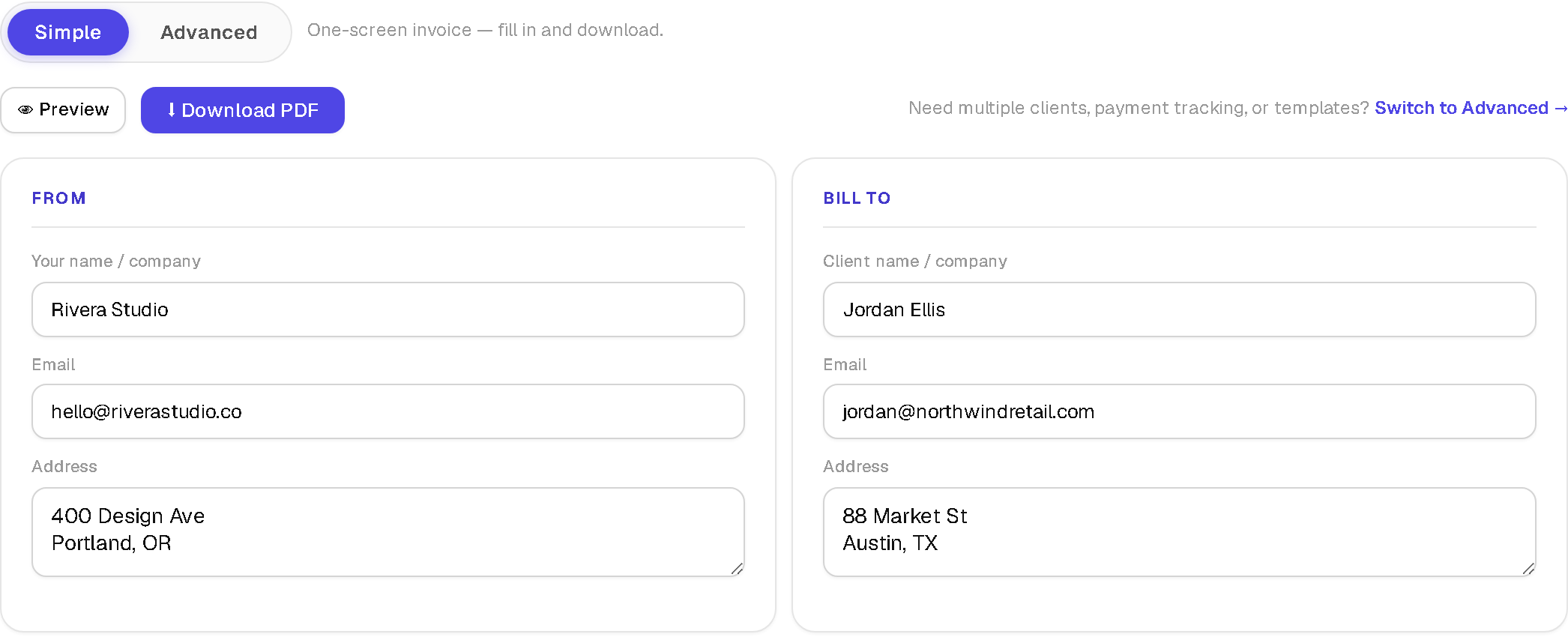
I bill 4 clients in 3 different currencies, and most invoice generators fall apart the moment you're not a single freelancer anymore. A plain one-screen invoice generator — fill in, download, done — is fine for 1 client. It stops being fine once a US client pays in USD, a UK client pays in GBP, and a third pays in PKR, and you need to know at a glance who still owes you money without the tool silently adding 3 currencies together like they're the same number. Run your current invoicing setup against this 12-item audit and see how many boxes it actually checks.
1. Does it separate totals by currency?
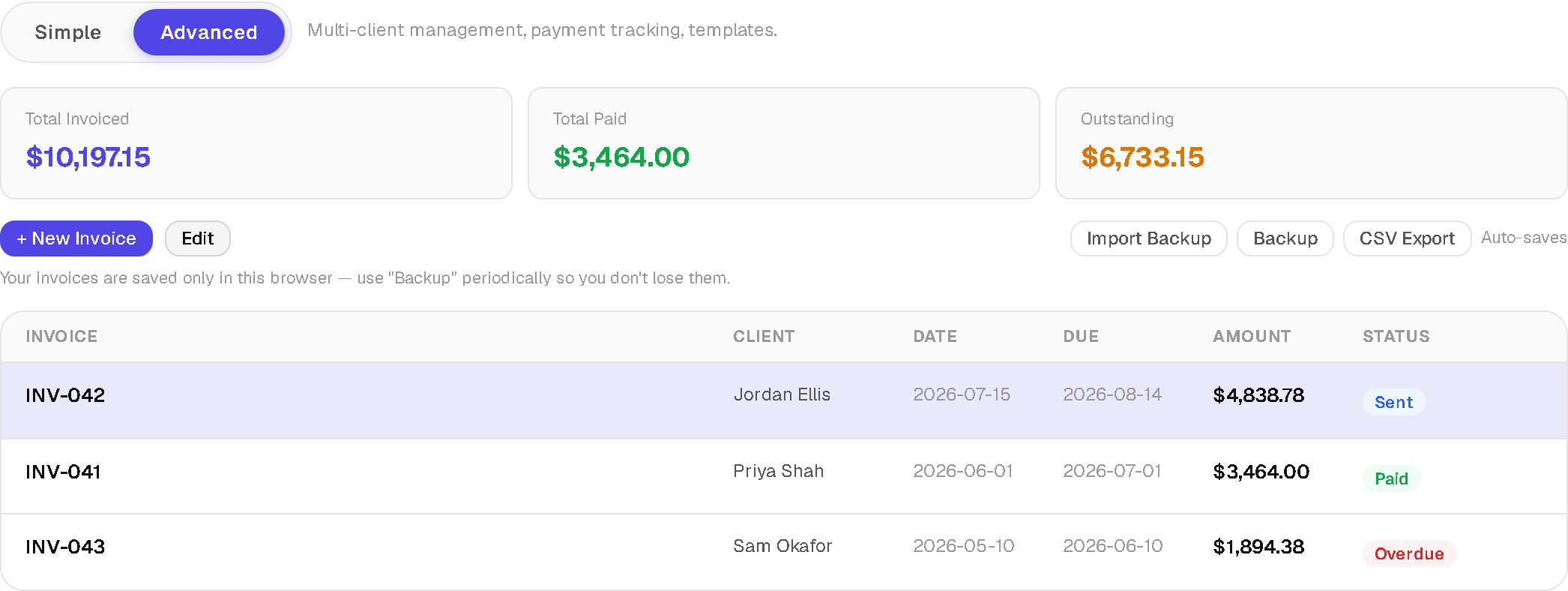
A dashboard that sums USD, GBP, and PKR into 1 number is worse than no dashboard — it's a wrong number presented with confidence. Advanced mode on the Invoice Generator splits totals into separate rows per currency automatically.
2. Does payment status update itself?
A status field you set once and forget is just a label. resolveStatus() checks the due date on every render — an invoice marked "sent" flips to "overdue" the day after its due date passes, with 0 manual bookkeeping required.
3. Does it track partial payments?
Log a partial payment and the balance should recalculate the same way — once the balance hits $0, the invoice reads as paid without a manual "mark paid" click. If your tool only supports paid/unpaid as a binary, partial payments break it.
4. Is there a client address book?
Retyping a client's billing address for the 15th time is a sign the tool wasn't built past invoice 1. A saved client list turns a repeat invoice into a couple of clicks — free invoice generator multiple clients should mean multiple *saved* clients, not multiple blank forms.
5. Is there an item catalog?
Same logic as the client list, applied to line items: if you bill the same 5 line items every month, they should be 1 click away, not retyped.
6. Can you save an invoice as a reusable template?
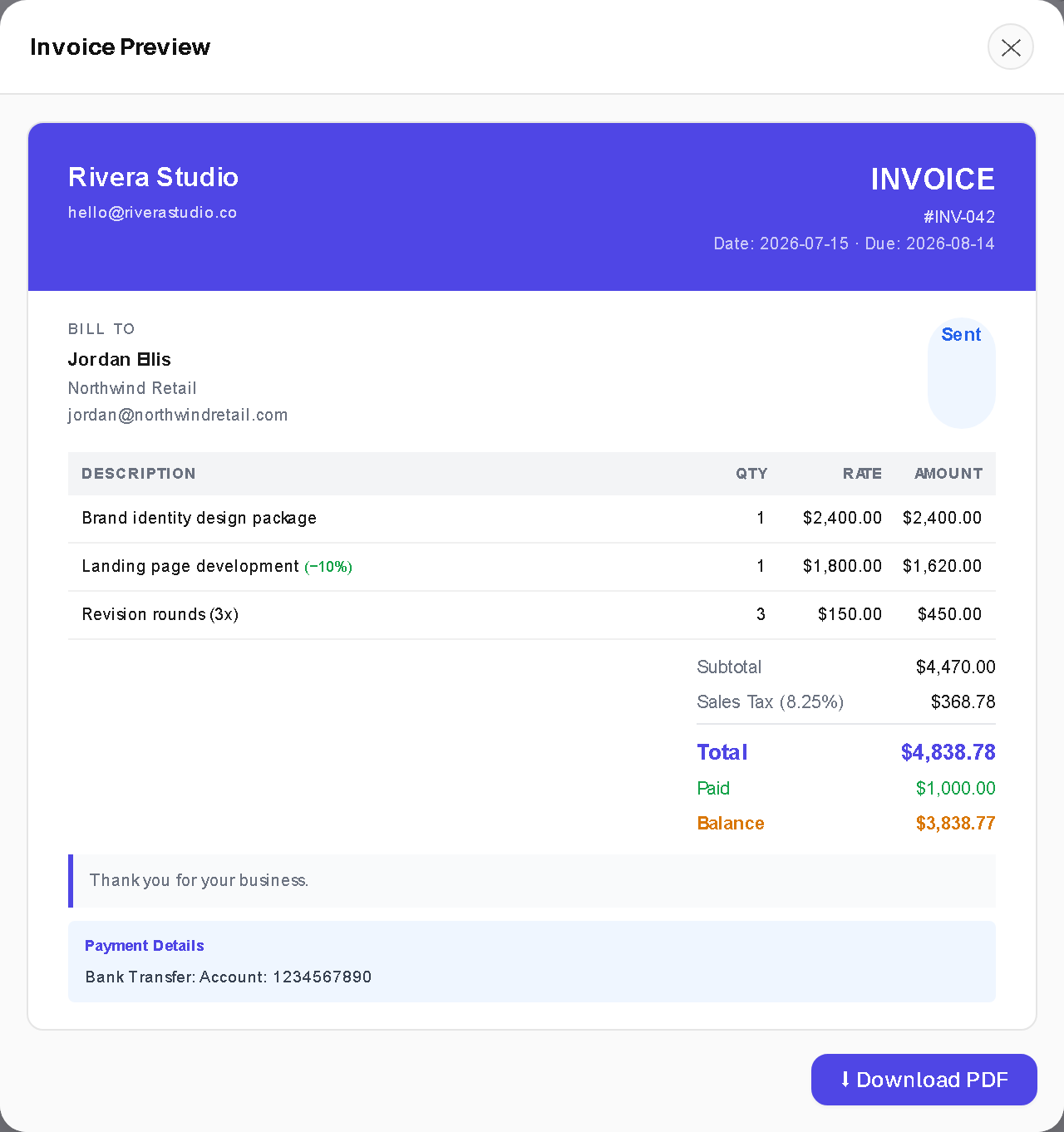
A "Save Template" feature snapshots the current invoice — line items, tax rate, notes, everything except the invoice number and status — as a template you pull up again next month. This is the single feature that makes invoice generator recurring clients workflows actually fast.
7. Does it work with zero signup?
A free invoice generator no signup should mean exactly that — no account creation gate between you and a downloaded PDF, for either a 1-off invoice or a saved multi-client setup.
8. Where does your data actually live?
Local browser storage, not a server, is the only version of "private" that doesn't require trusting a company's data-retention policy. Check DevTools' Network tab while you create an invoice — 0 requests should carry your client's billing details anywhere.
9. Is there a real backup, not just "hope the browser never resets"?
Local storage doesn't survive a browser reset or a new laptop. A Backup button that exports 1 JSON file with every invoice, client, and catalog item is the only real insurance against that — and it's the item on this list most people skip until they lose data once.
10. Can you export to CSV for an accountant?
Spreadsheet-format export matters the moment tax season or a bookkeeper enters the picture — a JSON backup alone isn't something most accountants want to open.
11. Are there real PDF template options, not 1 fixed layout?
3 templates — Minimal, Professional, Modern — plus a per-invoice accent color covers most client-facing needs without needing a design tool. A simple invoice template free of watermarks should still look like something a client trusts.
12. Is the PDF actually watermark-free?
A free invoice maker pdf no watermark shouldn't be a paid upsell — check this before you build a workflow around a tool, not after your first client-facing invoice goes out with a logo stamped across it.
Score yourself
Count how many of the 12 items above your current setup actually has. 10-12: you have a real system, not a form. 6-9: you're covering the basics but missing automation that will cost you time at scale — payment status and templates are usually the first gaps. 0-5: you're using a 1-off form for a recurring-client business, which is exactly the mismatch that made the switch from Simple to Advanced mode worth it in the first place. Both modes on SolveBar's Invoice Generator read and write the same invoice data, so trying Advanced mode never means starting over — and a paid invoice's follow-up is 1 click away via the Receipt Generator, with the GST Calculator handy for checking a tax line before it goes on the PDF.