

Digital identity verification — uploading a driver's license or passport photo to confirm you're a real person — has become routine across banking apps, exchanges, gig platforms, and age-gated sites. Most people click through it without a clear picture of what's actually happening to the document after the upload, or what the "verified" result that comes back actually proves. 5 common assumptions don't hold up against how this actually works.
Myth: once you're "verified," the document data is deleted
Fact: retention is usually measured in years, not minutes
Know-your-customer (KYC) and anti-money-laundering (AML) regulations that apply to banks, exchanges, and many fintech platforms typically require identity records to be retained for a set period after the account relationship ends — 5 years is a commonly cited minimum under several major AML frameworks, sometimes longer — specifically so the data can be produced for audits or investigations. "Verified" describes the outcome of the check, not the lifespan of the document copy that made the check possible.
Myth: the token you get back after verification is your identity data, encrypted
Fact: it's usually a claim, not a container — and often not encrypted at all
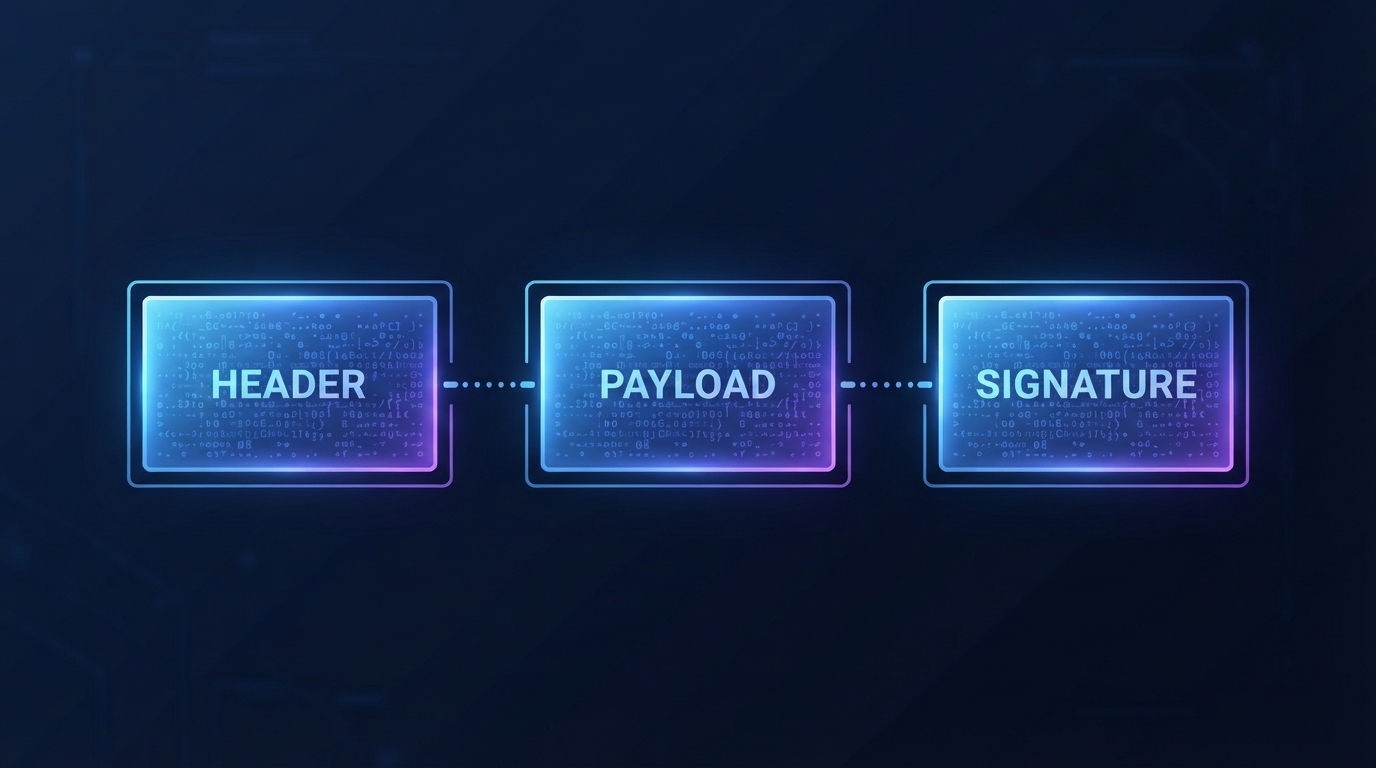
A common result of a verification flow is a JSON Web Token (JWT) — a 3-part string, each part separated by a single . character (header, payload, signature) asserting a claim like "this session is tied to a verified user." A JWT's payload is base64url-encoded, not encrypted — anyone holding the token can decode and read every field in the payload directly, in under 1 second, with no key required. Encryption is a separate JWT variant (JWE) that most verification flows don't use for the session token itself.
You can confirm this yourself with any JWT, including one you generate for testing: paste it into SolveBar's JWT Decoder, which runs entirely client-side — base64UrlDecode() followed by JSON.parse(), no server round-trip, no signature verification (that requires the issuer's secret key, which the token itself never contains). The payload appears in full, readable JSON. That's not a flaw in the decoder — it's what a JWT actually is, everywhere, for everyone holding a copy of it.
Myth: an expired verification token is harmless to leave lying around
Fact: expiry is enforced by the checker, not by the token itself
The exp claim inside a JWT's payload is just a timestamp a verifying server is expected to check before honoring the token. The token doesn't self-destruct or become unreadable at that timestamp — decode an expired JWT and every claim, including whatever identity or session data it carries, is exactly as readable as it was the moment it was issued.
Myth: a hash of your document proves the verification service didn't keep a copy
Fact: a hash proves integrity of 1 specific file, not what happened to it afterward
Computing a SHA-256 hash — a 256-bit, 64-character hexadecimal fingerprint, roughly 1-in-2^256 odds of 2 different files colliding — proves that a specific file matches a specific hash value; it says nothing about how many places that file, or a copy of it, exists on the other end. SolveBar's Hash Generator computes this client-side via the Web Crypto API's crypto.subtle.digest(), which is genuinely useful for confirming a downloaded file wasn't altered in transit — a different guarantee entirely from "this service deleted your data."
Myth: verification requirements are the same everywhere, so there's nothing to actually check
Fact: retention periods, encryption requirements, and what counts as "verified" vary by jurisdiction and by platform
A platform's own privacy policy and terms of service, not general assumptions, are what actually govern what happens to a submitted document — worth the 5 minutes it takes to search that specific document for "retention" before uploading anything you'd rather not have sitting on a 3rd party's server for years.