
I sent a draft contract to a client once without a DRAFT stamp on it, and they treated it as final. Now I don't skip this step.
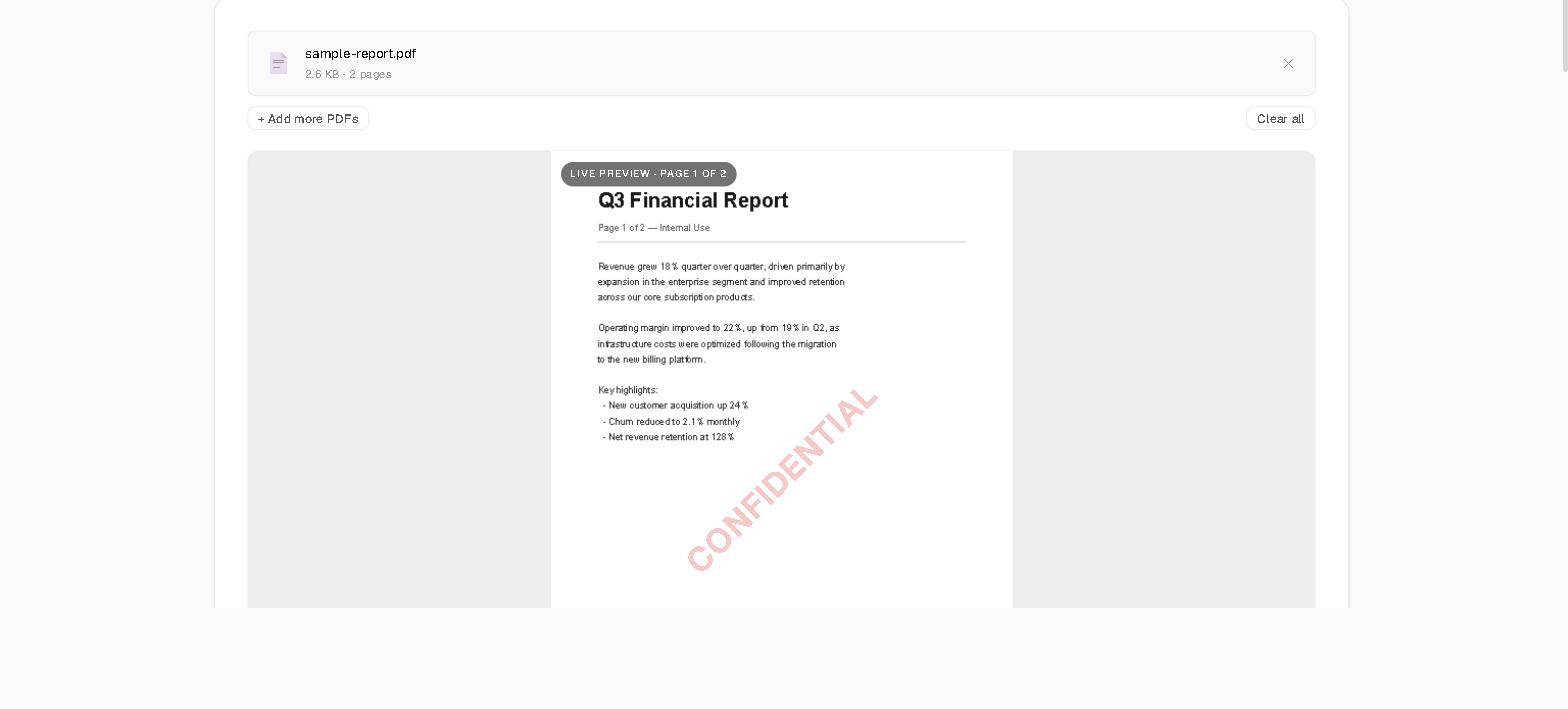
Most watermark tools show a gray placeholder box while you fiddle with settings, then surprise you with the real result after you download. This one renders the actual first page of your PDF with PDF.js — the same engine behind Firefox's built-in viewer — and draws the watermark directly on top of it, at the real position, rotation, and opacity. Drag the opacity slider from 25% to 60% and the overlay updates on your real document, live, not a mock rectangle. What you see before clicking apply is what's in the file.
5 one-click presets cover most of what I actually need: Confidential is a 45-degree diagonal stamp in red at 25% opacity, Draft is the same 45-degree angle in gray at 22% opacity with a larger 74px font, Sample sits at a 30-degree angle for demo documents, Approved is a small top banner at 65% opacity — high enough to read clearly without a diagonal — and Copy tiles across the whole page at a low 16% opacity so it survives a crop.
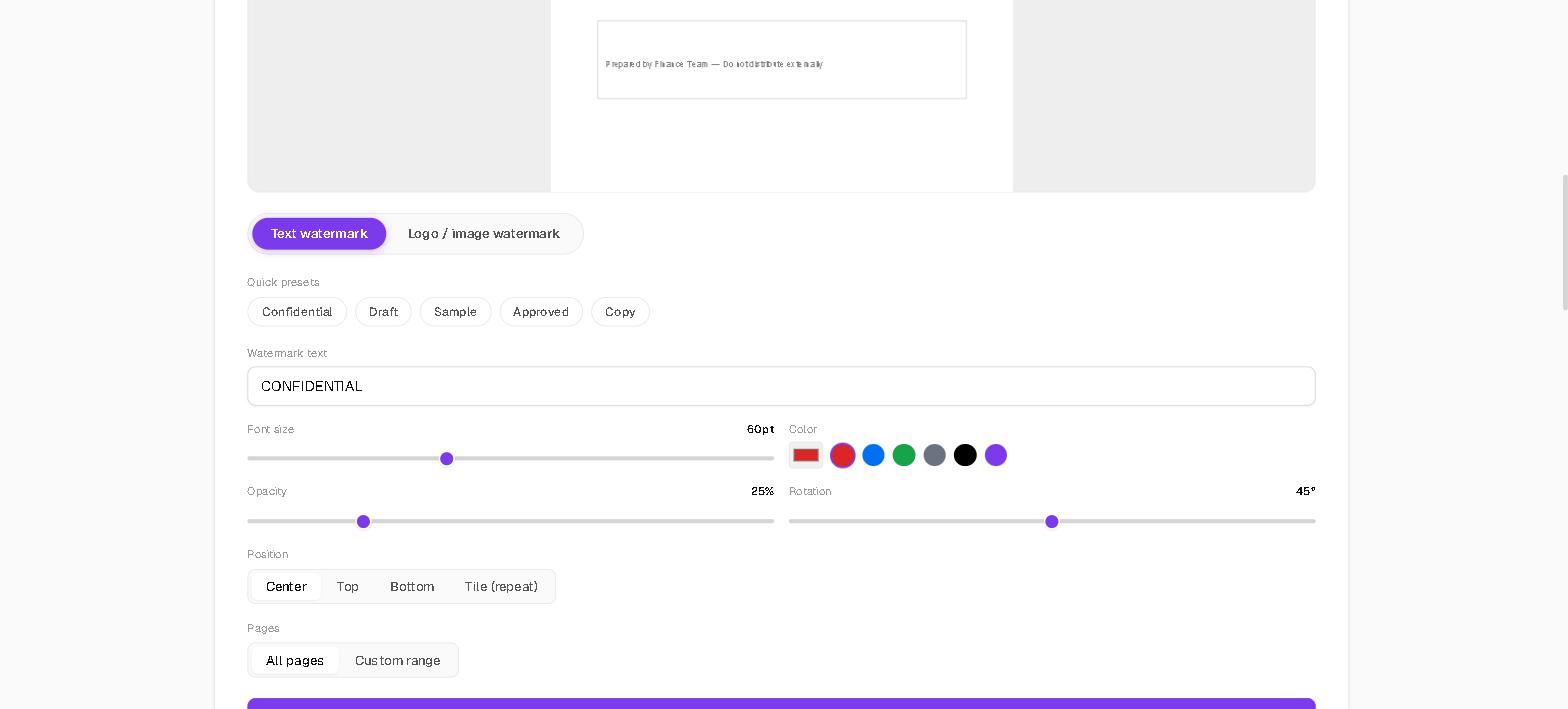
Text or a logo, same 4 placement options
Switch between a text watermark and an uploaded PNG or JPG logo with the mode toggle. Both share the same opacity, rotation, and position controls — Center, Top, Bottom, or Tile — so a company logo gets exactly the same placement math as a CONFIDENTIAL stamp. I use a page range like 1-3, 5 fairly often: watermarking just the cover and signature pages of a contract instead of stamping every page of a document a client is going to print.
Add more than one PDF before applying and each file gets watermarked with the identical settings — same preset, same rotation, same opacity — then the tool zips every output together into one download with jszip instead of triggering a separate save dialog per file. I use this for stamping a batch of NDAs before a call, not one at a time.
Nothing leaves your browser
The preview render, the watermark placement math, and the final PDF save all run client-side. PDF.js draws the preview; pdf-lib embeds the actual text or image into the PDF's page content. Your document and your logo are read into memory and never sent anywhere — no upload progress bar, because there's no upload. Close the tab and nothing of your file remains anywhere except the PDF or ZIP you already downloaded. Try it before your next contract draft or client deliverable goes out, or the next time you're tempted to skip the stamp because you're in a hurry, with the SolveBar PDF Watermark tool.